Create a Collection Page
Creating collection or category pages is the foundation of success in Afosto. Collections are groups of products that together form a collection. You can create and define these collections yourself. For example, you might have a shoes collection or a t-shirts collection.
When you link a collection to a page, a collection page is created. This is a page where all products from the collections linked to that page are displayed. These pages can have their own layout and can include features such as filters. At the bottom of this page, you’ll find an example of a collection page.
Procedure
Follow the steps below to link a collection to a page:
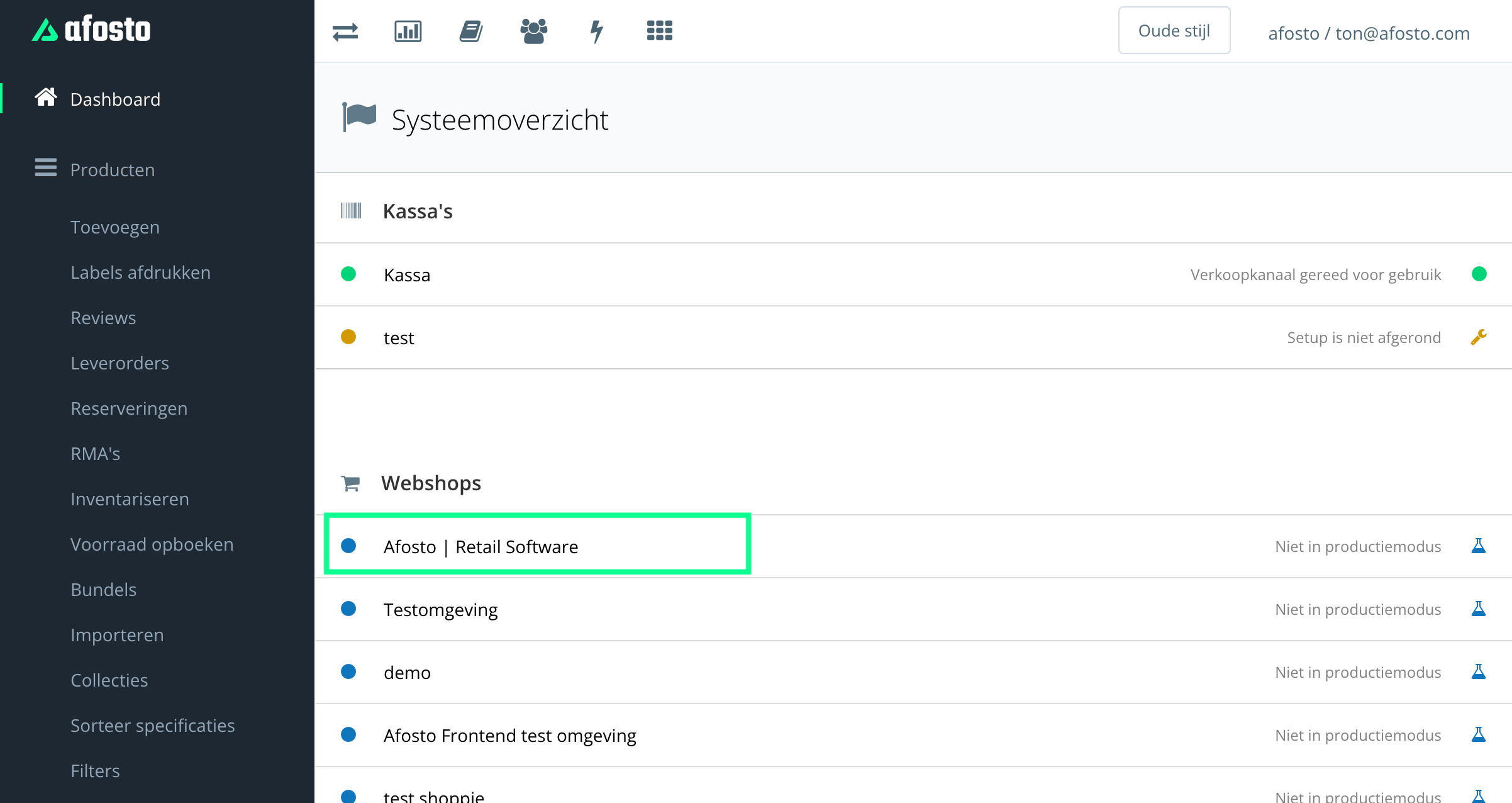
- Go to the correct sales channel.

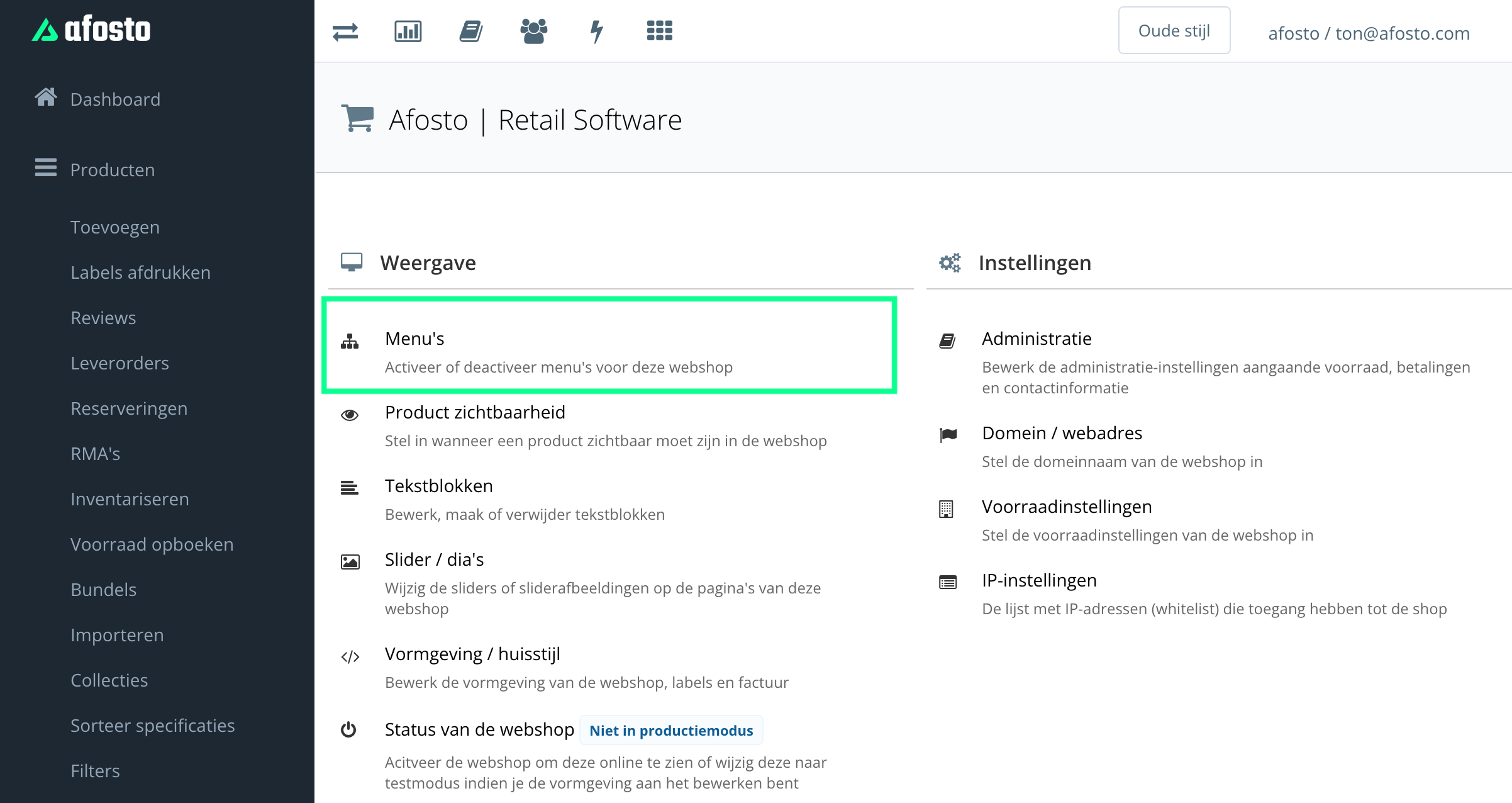
- In the overview of your sales channel, go to ‘Menus’.
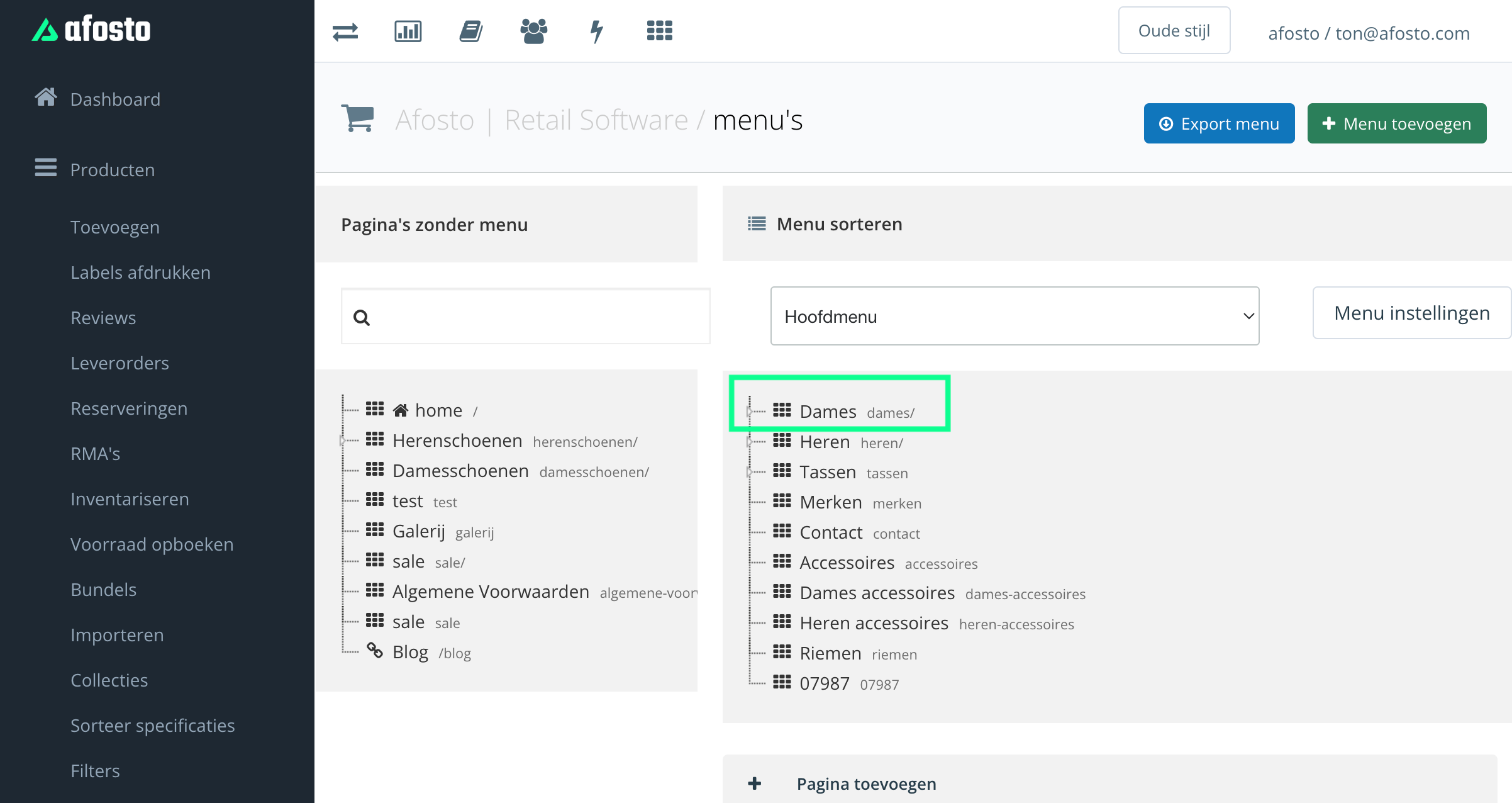
- Click on the page where you want to link a collection. If this page does not yet exist, first create a new page.
- Scroll naar beneden op de pagina tot je bij het blokje 'Collecties' bent. Hier kan je de collecties aanvinken die je aan de pagina wilt koppelen.

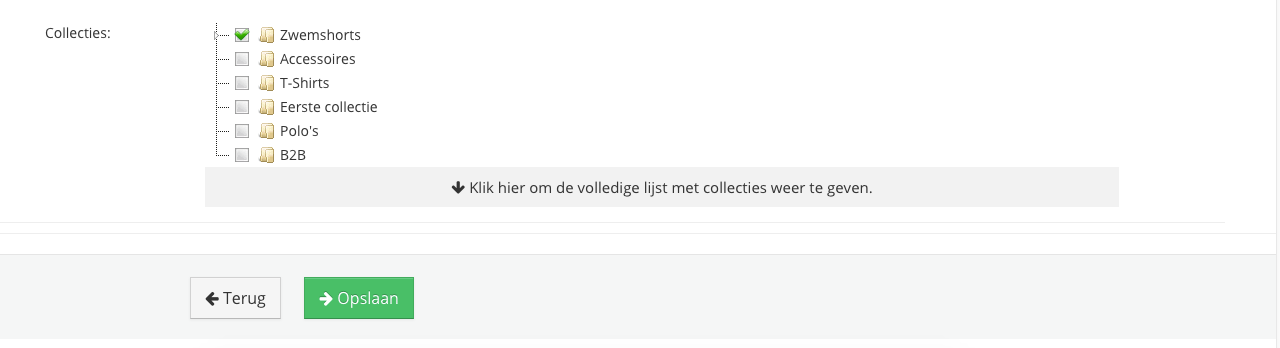
- Click Save.
- The products will usually appear immediately, but at the latest within one hour on the selected page.

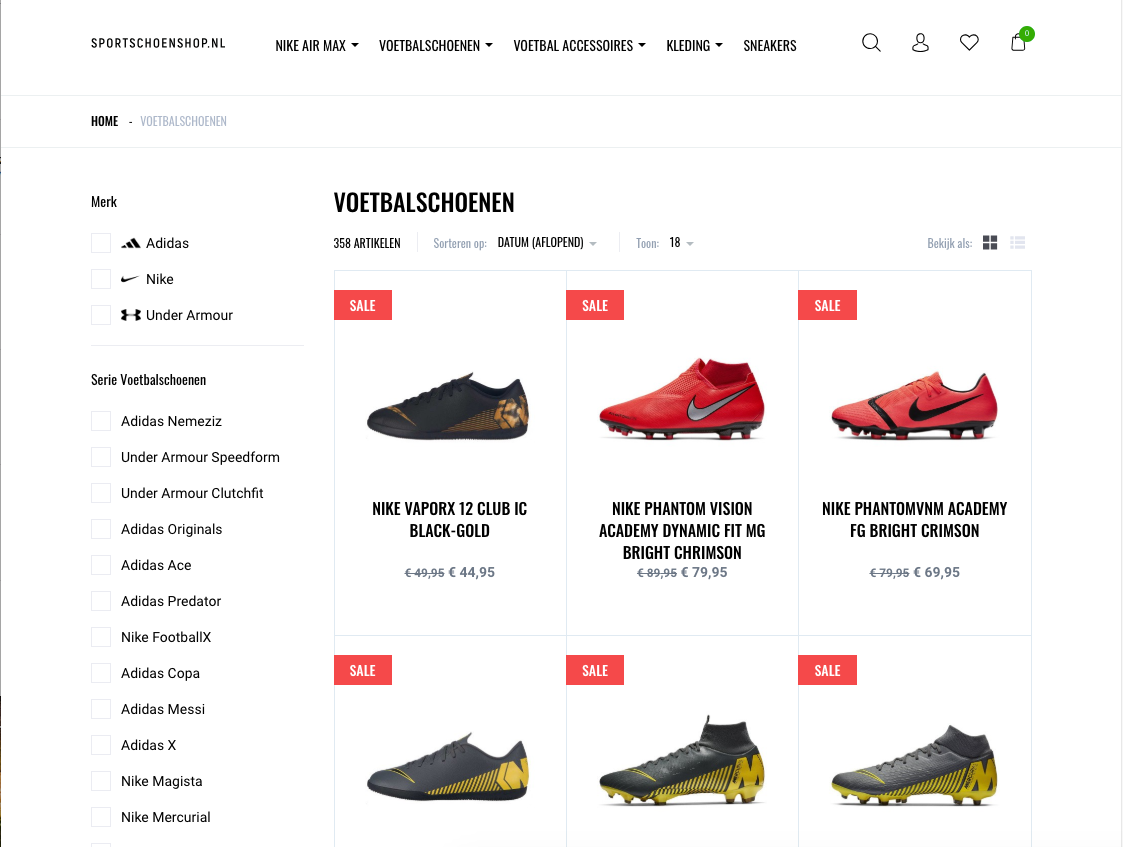
Example Collection Page
On this page